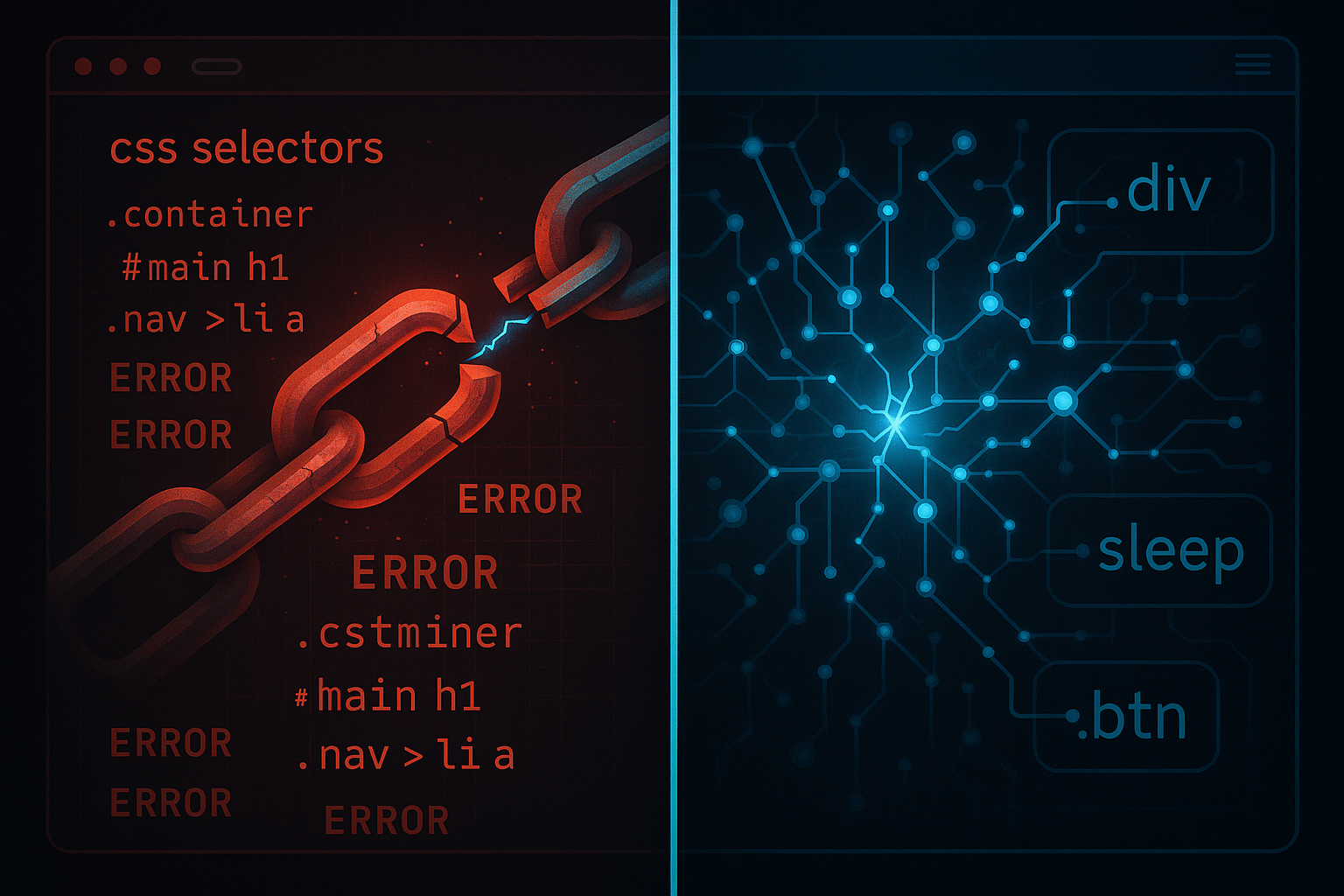
Your Selenium script broke again. The dev team pushed a UI update, a CSS class changed from btn-submit to btn-primary-submit, and now your entire automation pipeline is down. Your QA engineer spent three hours yesterday fixing the same thing. This is the RPA 1.0 tax — and millions of engineering hours get burned paying it every year.
That's why self-healing browser automation is blowing up on Hacker News right now. It's not hype. It's a direct answer to a pain point every team running browser automation at scale knows intimately. RPA 2.0 is here, and if you're still writing brittle XPath selectors by hand, you're already behind.
Why Traditional Browser Automation Keeps Breaking
Classic RPA tools — Selenium, Playwright scripts, UiPath's legacy recorder — operate on a fundamental assumption: the UI is static. You record a selector, store it, replay it. The problem is that modern web apps are anything but static. Component libraries update. A/B tests swap button IDs. A designer renames a class. Your script doesn't know the difference between "the app broke" and "the app evolved."
The maintenance burden is brutal. Industry estimates suggest teams spend 40-60% of automation effort on maintenance rather than building new automations. For enterprise RPA deployments, that's millions of dollars in engineering time doing essentially nothing but chasing UI drift.
The core fragility comes from three places:
- Brittle selectors — XPath and CSS selectors that break on any structural change
- No semantic understanding — scripts don't know what a button does, only where it is
- Zero recovery logic — one failed step cascades into total failure
What Self-Healing Actually Means
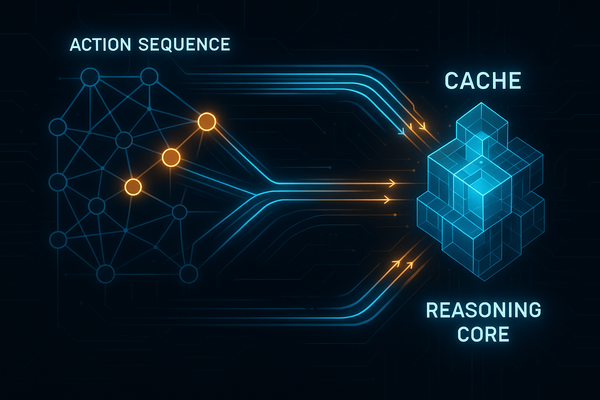
Self-healing browser automation uses AI — usually a combination of computer vision, DOM analysis, and LLM reasoning — to locate elements by intent rather than by exact selector. When a selector fails, the system doesn't crash. It queries its model: "I need the login button. Where is it now?"
The healing happens at runtime. The system tries your original selector, fails, then uses fallback strategies in order:
- Fuzzy selector matching (similar class names, nearby attributes)
- Visual similarity matching (screenshot comparison via CV model)
- Semantic matching (LLM reads the DOM and finds the element by purpose)
- Human-in-the-loop escalation (if all else fails, flag it)
The best systems also update their selector store automatically — so the next run uses the new correct selector without any human intervention. That's the real magic: the automation gets smarter over time instead of more brittle.
The Tech Stack Powering RPA 2.0
Several converging technologies made this possible in 2025-2026:
- Multimodal LLMs — GPT-4o, Claude 3.5, and Gemini can now read screenshots and DOM trees simultaneously, reasoning about UI layout with remarkable accuracy
- Browser-native AI APIs — Chrome's built-in AI APIs (Prompt API, Vision API) let you run inference directly in the browser context
- Playwright's accessibility tree — exposes semantic element roles that survive visual redesigns
- Vector-indexed DOM snapshots — embed DOM states as vectors, find nearest-neighbor matches when selectors drift
This connects directly to the broader shift toward AI agents operating across desktop and browser environments — self-healing RPA is essentially a specialized agent with a recovery loop baked in.
Build a Self-Healing Selector — Right Now
Let me show you the core pattern. This is a simplified self-healing click function using Playwright + OpenAI. It tries the stored selector first, falls back to LLM-based element discovery if it fails.
import asyncio
import json
import base64
from playwright.async_api import async_playwright
from openai import AsyncOpenAI

client = AsyncOpenAI()

async def self_healing_click(page, intent: str, stored_selector: str) -> str:
    """
    Try stored_selector first. If it fails, use GPT-4o vision
    to find the element by intent and return the new selector.
    """
    # Step 1: Try stored selector
    try:
        element = page.locator(stored_selector)
        await element.wait_for(timeout=3000)
        await element.click()
        print(f"✓ Selector worked: {stored_selector}")
        return stored_selector  # No healing needed
    except Exception:
        print(f"✗ Selector failed: {stored_selector}. Engaging self-heal...")

    # Step 2: Capture screenshot + DOM for LLM
    screenshot_bytes = await page.screenshot(full_page=False)
    screenshot_b64 = base64.b64encode(screenshot_bytes).decode()

    # Get simplified DOM (accessibility tree is cleaner than raw HTML)
    dom_snapshot = await page.evaluate("""
        () => {
            const getTree = (el, depth=0) => {
                if (depth > 4) return null;
                const role = el.getAttribute('role') || el.tagName.toLowerCase();
                const text = el.innerText?.slice(0, 50) || '';
                const id = el.id ? `#${el.id}` : '';
                const cls = el.className ? `.${el.className.split(' ')[0]}` : '';
                return { selector: `${role}${id}${cls}`, text,
                         children: [...el.children].map(c => getTree(c, depth+1)).filter(Boolean) };
            };
            return JSON.stringify(getTree(document.body));
        }
    """)

    # Step 3: Ask LLM to find the element
    response = await client.chat.completions.create(
        model="gpt-4o",
        messages=[
            {
                "role": "user",
                "content": [
                    {
                        "type": "text",
                        "text": f"""I need to find and click: '{intent}'

The stored selector '{stored_selector}' no longer works.
Here is the current DOM structure: {dom_snapshot[:3000]}

Return ONLY a JSON object with:
- "selector": a valid CSS selector for the element
- "confidence": 0.0-1.0
- "reasoning": brief explanation

Be specific. Prefer ID selectors, then unique class names, then aria labels."""
                    },
                    {
                        "type": "image_url",
                        "image_url": {"url": f"data:image/png;base64,{screenshot_b64}"}
                    }
                ]
            }
        ],
        response_format={"type": "json_object"}
    )

    result = json.loads(response.choices[0].message.content)
    new_selector = result["selector"]
    confidence = result["confidence"]

    print(f"→ Healed selector: {new_selector} (confidence: {confidence})")

    if confidence < 0.7:
        raise Exception(f"Low confidence heal ({confidence}). Manual review needed.")

    # Step 4: Try the healed selector
    element = page.locator(new_selector)
    await element.wait_for(timeout=5000)
    await element.click()

    # Step 5: Persist the new selector back to your store
    await update_selector_store(intent, new_selector)

    return new_selector

async def update_selector_store(intent: str, new_selector: str):
    """Persist healed selectors — use Redis, SQLite, or your RPA platform's store"""
    # In production: write to your selector registry
    print(f"  Stored: '{intent}' → '{new_selector}'")

# Usage
async def main():
    async with async_playwright() as p:
        browser = await p.chromium.launch(headless=False)
        page = await browser.new_page()
        await page.goto("https://your-app.com/login")

        new_selector = await self_healing_click(
            page=page,
            intent="Submit login form button",
            stored_selector=".btn-submit"  # This old selector broke
        )

        await browser.close()

asyncio.run(main())
This is the skeleton. In production you'd add retry logic, a selector versioning system, Slack alerts for low-confidence heals, and integration with your RPA platform's task queue. But the pattern is the pattern — try, fail, reason, heal, persist.
Production Architecture: The Healing Loop
For a real deployment, your self-healing RPA system needs four components working together:
┌─────────────────────────────────────────────────┐
│              SELF-HEALING RPA LOOP              │
├─────────────────────────────────────────────────┤
│                                                 │
│  Selector Store (Redis/DB)                      │
│       ↓                                         │
│  Automation Runner (Playwright/Puppeteer)       │
│       ↓ FAIL                                    │
│  Healing Engine (LLM + Vision)                  │
│       ↓                                         │
│  Confidence Check                               │
│    ≥0.8 → Auto-heal + update store             │
│    0.6-0.8 → Heal + flag for review            │
│    <0.6 → Pause + human escalation             │
│       ↓                                         │
│  Audit Log (every heal is recorded)             │
│                                                 │
└─────────────────────────────────────────────────┘
The audit log is non-negotiable. Every time your system heals itself, you need to know: what broke, what it healed to, confidence level, and whether a human confirmed it. This feeds back into production AI agent safety practices — autonomous systems need observable decision trails.
Who's Winning in the Self-Healing RPA Space
The commercial tools are moving fast here. Testim and Mabl pioneered ML-based self-healing for test automation. Healing.dev and ZeroStep are applying GPT-4 to Playwright directly. On the enterprise RPA side, UiPath's AI Computer Vision and Automation Anywhere's AARI are adding visual AI layers. Microsoft's Power Automate is quietly baking Copilot into its recorder.
But the open-source community is catching up fast. Frameworks like LaVague and Browser Use let you control browsers with natural language instructions rather than selectors entirely — which sidesteps the healing problem by never storing fragile selectors in the first place. That's the more radical direction: intent-based automation where you describe what you want, and the agent figures out the how every single run.
This aligns with the broader AI workflow automation trend — moving from scripted sequences to goal-directed agents that adapt to their environment.
The No-Code Angle: What This Means for Non-Engineers
Self-healing automation dramatically lowers the bar for non-technical operators. When automations fix themselves, you no longer need a developer on standby to patch broken scripts. Business analysts can own their automations end-to-end.
The emerging pattern is record-once, heal-forever: a non-technical user records a workflow in a Chrome extension, the system converts it to a resilient automation with multiple selector strategies baked in, and LLM-powered healing handles any drift. This is the no-code/low-code AI promise actually materializing. Compare this to prompt-engineered agentic workflows — the gap between what developers build and what business teams can maintain is finally closing.
What You Should Do This Week
Here's your action plan, in order of priority:
- Audit your most-broken automations — track which selectors fail most often. These are your highest-ROI candidates for self-healing upgrades.
- Add the healing wrapper pattern — wrap your existing Playwright/Selenium click/fill functions with the try-fail-heal pattern shown above. You don't need to rewrite everything.
- Build a selector registry — even a simple SQLite table with (intent, selector, last_validated, confidence) is enough to start. This is the foundation everything else builds on.
- Evaluate ZeroStep or LaVague — if you're greenfielding a new automation, seriously consider intent-based tools that skip the selector problem entirely.
- Set confidence thresholds and alerts — never let your system auto-heal silently. Every heal should be logged, and low-confidence heals should page someone. Autonomous systems without observability are how you get silent failures at 3am.
The teams that get ahead of this now will spend their automation budget building new workflows instead of maintaining old ones. That's the compounding advantage of RPA 2.0 — your automation estate gets more reliable over time, not less.
Stop paying the maintenance tax. Self-healing browser automation isn't a research project anymore. The tooling is production-ready, the LLM costs are manageable, and the ROI case writes itself. The only question is whether you adopt it before your competitors do.