You've built your first RAG pipeline. It works. Then you hit 100k documents and your naive in-memory similarity search starts taking 4 seconds per query. Now you need a real vector database — and you're staring at a dozen options wondering which one won't waste the next two weeks of your life.
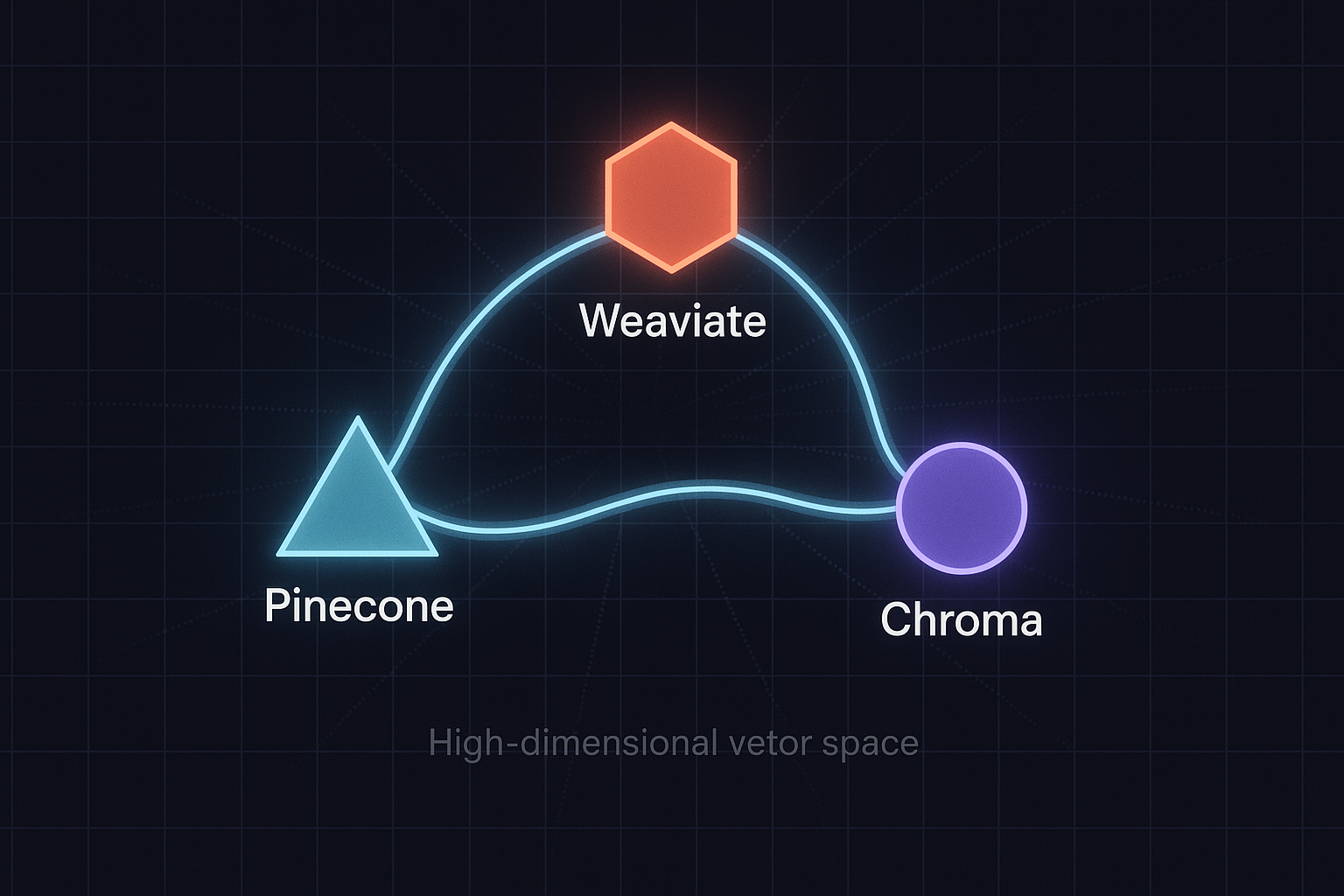
Let me cut through the noise. I've run Pinecone, Weaviate, and Chroma in production contexts ranging from quick prototypes to systems handling millions of vectors. Each has a distinct personality. Pick the wrong one and you'll be migrating under pressure six months later. Pick the right one and it disappears into your stack the way good infrastructure should.
What a Vector Database Actually Does (And Why It Matters)
Before comparing tools, let's be precise. A vector database stores high-dimensional numerical representations of data — embeddings — and retrieves the most semantically similar ones to a query vector using Approximate Nearest Neighbor (ANN) search algorithms like HNSW or IVF.
This is the engine under every serious RAG system, semantic search feature, and recommendation engine you'll build. If you want to understand why embeddings matter in the first place, the semantic search with embeddings guide covers the fundamentals in under 100 lines of code.
The key dimensions that differentiate vector databases are:
- Deployment model: Managed cloud vs. self-hosted vs. in-process
- Filtering capability: Can you combine vector search with metadata filters?
- Scale ceiling: How many vectors before performance degrades?
- Operational overhead: What does it cost you in DevOps time?
- Ecosystem integration: How well does it play with LangChain, LlamaIndex, your stack?
Chroma: Start Here, Seriously
Chroma is the vector database equivalent of SQLite. It runs in-process, requires zero infrastructure, and gets you from zero to querying in about 90 seconds. If you're prototyping a RAG system or building something that will live on a single machine, Chroma is the right default.
import chromadb
from chromadb.utils import embedding_functions

# In-memory for prototyping
client = chromadb.Client()

# Persistent local storage
client = chromadb.PersistentClient(path="./chroma_db")

# Use OpenAI embeddings
openai_ef = embedding_functions.OpenAIEmbeddingFunction(
    api_key="your-api-key",
    model_name="text-embedding-3-small"
)

collection = client.create_collection(
    name="docs",
    embedding_function=openai_ef
)

# Add documents — Chroma handles embedding automatically
collection.add(
    documents=[
        "LangGraph is a framework for building stateful agent workflows",
        "Pinecone is a managed vector database with serverless pricing",
        "HNSW is a graph-based ANN algorithm used in vector search"
    ],
    ids=["doc1", "doc2", "doc3"],
    metadatas=[
        {"source": "blog", "year": 2026},
        {"source": "docs", "year": 2026},
        {"source": "paper", "year": 2023}
    ]
)

# Query with metadata filter
results = collection.query(
    query_texts=["what vector search algorithm should I use?"],
    n_results=2,
    where={"year": {"$gte": 2024}}  # Only recent docs
)

print(results["documents"])
Where Chroma wins: Developer experience is unmatched. No accounts, no API keys, no Docker. The filtering syntax is clean. For RAG prototypes and local development, it's the fastest path forward.
Where Chroma struggles: It's not designed for distributed production workloads. Chroma's client-server mode exists but it's not battle-hardened for high-concurrency scenarios. If you're building a multi-tenant SaaS product that needs to scale horizontally, you'll outgrow it.
Verdict: Use Chroma for prototypes, internal tools, single-instance applications, and anywhere you want to iterate fast without infrastructure overhead. It integrates cleanly with the LangChain RAG stack.
Pinecone: The Managed Cloud Option
Pinecone made a bet: developers don't want to operate vector infrastructure, they want to query it. That bet paid off. Pinecone is the most production-ready managed vector database available, and their serverless tier changed the economics for smaller workloads significantly.
from pinecone import Pinecone, ServerlessSpec
from openai import OpenAI

pc = Pinecone(api_key="your-pinecone-key")
openai_client = OpenAI(api_key="your-openai-key")

# Create a serverless index
pc.create_index(
    name="production-docs",
    dimension=1536,  # text-embedding-3-small dimensions
    metric="cosine",
    spec=ServerlessSpec(
        cloud="aws",
        region="us-east-1"
    )
)

index = pc.Index("production-docs")

def embed_text(text: str) -> list[float]:
    response = openai_client.embeddings.create(
        input=text,
        model="text-embedding-3-small"
    )
    return response.data[0].embedding

# Upsert with metadata
vectors = [
    {
        "id": "doc-001",
        "values": embed_text("Your document content here"),
        "metadata": {
            "source": "handbook",
            "department": "engineering",
            "last_updated": "2026-05"
        }
    }
]

index.upsert(vectors=vectors, namespace="engineering-docs")

# Query with namespace isolation and metadata filter
query_vector = embed_text("deployment best practices")

results = index.query(
    vector=query_vector,
    top_k=5,
    namespace="engineering-docs",
    filter={"department": {"$eq": "engineering"}},
    include_metadata=True
)

for match in results["matches"]:
    print(f"Score: {match['score']:.3f} | ID: {match['id']}")
    print(f"Source: {match['metadata']['source']}\
")
Pinecone's namespace feature is genuinely useful for multi-tenant architectures — isolate customer data cleanly without running separate indexes. Their metadata filtering has improved substantially and handles most real-world use cases.
Where Pinecone wins: Zero operational overhead, enterprise SLAs, global replication, excellent uptime record. The serverless pricing model means you're not paying for idle capacity. Scales to billions of vectors without you touching infrastructure.
Where Pinecone struggles: It's closed-source and cloud-only. If you have data residency requirements that don't map to their available regions, you're stuck. The cost model can surprise you at high query volumes — calculate your expected QPS carefully before committing. You're also vendor-locked in a way that self-hosted options aren't.
Verdict: Pinecone is the right choice when you need production reliability and your team doesn't want to operate infrastructure. Strong fit for startups that have found product-market fit and need to scale, and for enterprise teams with compliance requirements that Pinecone can satisfy.
Weaviate: The Full-Featured Open-Source Option
Weaviate takes a different philosophical position: a vector database should also be a capable data store with a rich query layer, not just a similarity search engine. The result is a more complex system that does substantially more — if you need what it offers.
import weaviate
from weaviate.classes.config import Configure, Property, DataType
from weaviate.classes.query import MetadataQuery

# Connect to local Weaviate instance
client = weaviate.connect_to_local()

# Or connect to Weaviate Cloud
# client = weaviate.connect_to_weaviate_cloud(
#     cluster_url="your-cluster-url",
#     auth_credentials=weaviate.auth.AuthApiKey("your-key")
# )

# Define a collection with vectorizer
client.collections.create(
    name="Article",
    vectorizer_config=Configure.Vectorizer.text2vec_openai(
        model="text-embedding-3-small"
    ),
    properties=[
        Property(name="title", data_type=DataType.TEXT),
        Property(name="content", data_type=DataType.TEXT),
        Property(name="category", data_type=DataType.TEXT),
        Property(name="published_year", data_type=DataType.INT),
    ]
)

articles = client.collections.get("Article")

# Insert objects — Weaviate auto-vectorizes via configured vectorizer
articles.data.insert({
    "title": "Building RAG Systems at Scale",
    "content": "A comprehensive guide to production RAG...",
    "category": "engineering",
    "published_year": 2026
})

# Hybrid search: combine vector + keyword (BM25)
results = articles.query.hybrid(
    query="production deployment strategies",
    alpha=0.75,  # 0=pure BM25, 1=pure vector
    limit=5,
    filters=weaviate.classes.query.Filter.by_property("published_year").greater_than(2024),
    return_metadata=MetadataQuery(score=True)
)

for obj in results.objects:
    print(f"Title: {obj.properties['title']}")
    print(f"Score: {obj.metadata.score}\
")

client.close()
That hybrid() call is where Weaviate earns its complexity. Combining dense vector search with sparse BM25 keyword search in a single query — tunable via the alpha parameter — produces meaningfully better retrieval quality for many real-world corpora. Pure semantic search misses exact keyword matches. Pure keyword search misses semantic intent. Hybrid search captures both.
Weaviate also supports multi-tenancy at the data model level, cross-references between objects (think a proper graph layer), and module-based vectorizers so you can swap embedding models without rewriting your application code.
Where Weaviate wins: Hybrid search quality, GraphQL query layer for complex retrieval patterns, open-source with active development, runs on your infrastructure. If you're building a product where retrieval quality is the core competitive advantage, Weaviate gives you more levers to pull.
Where Weaviate struggles: Operational complexity is real. Running Weaviate in production means managing Kubernetes deployments, monitoring resource usage, handling upgrades. The learning curve is steeper than Chroma or Pinecone. The v4 Python client API is a significant improvement but the documentation still has rough edges.
Verdict: Weaviate is the right choice when you need self-hosted control, hybrid search quality matters, and you have the engineering capacity to operate it. Strong fit for teams building sophisticated retrieval products who need to stay on their own infrastructure.
The Decision Framework
Stop trying to find the objectively best vector database. Find the right one for your current stage and constraints:
| Scenario | Use |
|---|---|
| Prototyping a RAG system | Chroma |
| Production app, no infra team | Pinecone |
| Self-hosted, hybrid search needed | Weaviate |
| Internal tooling, single server | Chroma |
| Multi-tenant SaaS at scale | Pinecone or Weaviate |
| Data residency / compliance | Weaviate (self-hosted) |
| Cost-sensitive at high query volume | Weaviate (self-hosted) |
Migration Isn't as Painful as You Think
One practical note: if you start with Chroma for prototyping, migrating to Pinecone or Weaviate later is largely a matter of re-indexing your documents and updating your retrieval client code. Your embedding pipeline stays the same. Your chunking strategy stays the same. The vector database is more swappable than it feels when you're evaluating options.
LangChain abstracts most of this — the VectorStore interface works across all three. If you're building agent systems with memory, the agent memory and persistent infrastructure guide covers how vector stores fit into the broader memory architecture.
One thing that doesn't swap easily: your data model and metadata schema. Design that carefully upfront regardless of which database you choose. Retrofitting metadata fields after you've indexed millions of documents is painful.
Practical Takeaways
- Default to Chroma for prototypes. There's no award for using production infrastructure while you're still figuring out if your retrieval approach works.
- Pinecone's serverless tier is genuinely competitive now. The economics have changed. Run the numbers for your expected load before assuming self-hosted is cheaper.
- Hybrid search matters more than most people realize. If your corpus has a mix of proper nouns, product names, and technical jargon, pure vector search will have blind spots. Test retrieval quality with both approaches before committing.
- Design your metadata schema first. Every filtering and segmentation pattern you'll ever need flows from this. It's the schema design problem vector databases inherited from traditional databases.
- Benchmark with your actual data. Synthetic benchmarks don't predict your query latency. Spin up each candidate with a representative sample of your real data and measure.
The choice of vector database matters less than the quality of your embeddings, the intelligence of your chunking strategy, and the clarity of your retrieval logic. Get those right first. But when infrastructure becomes the bottleneck, now you know which tool to reach for and why.
For the full picture of how vector retrieval fits into production AI systems, see the LLM production deployment lessons and the agent memory infrastructure breakdown.