Keyword search is a lie we've all accepted for too long. You type "car maintenance tips" and miss the article titled "how to keep your vehicle running." The words don't match, so the result disappears — even though it's exactly what you need. Semantic search with embeddings fixes that. And you can build a working version in under 100 lines of Python.
This isn't a theoretical overview. By the end of this article, you'll have a complete, runnable semantic search system: documents embedded into vectors, stored for retrieval, and queried with natural language. The kind of thing that usually gets buried in a 3-day tutorial series — condensed into something you can actually ship.
What Semantic Search Embeddings Actually Do
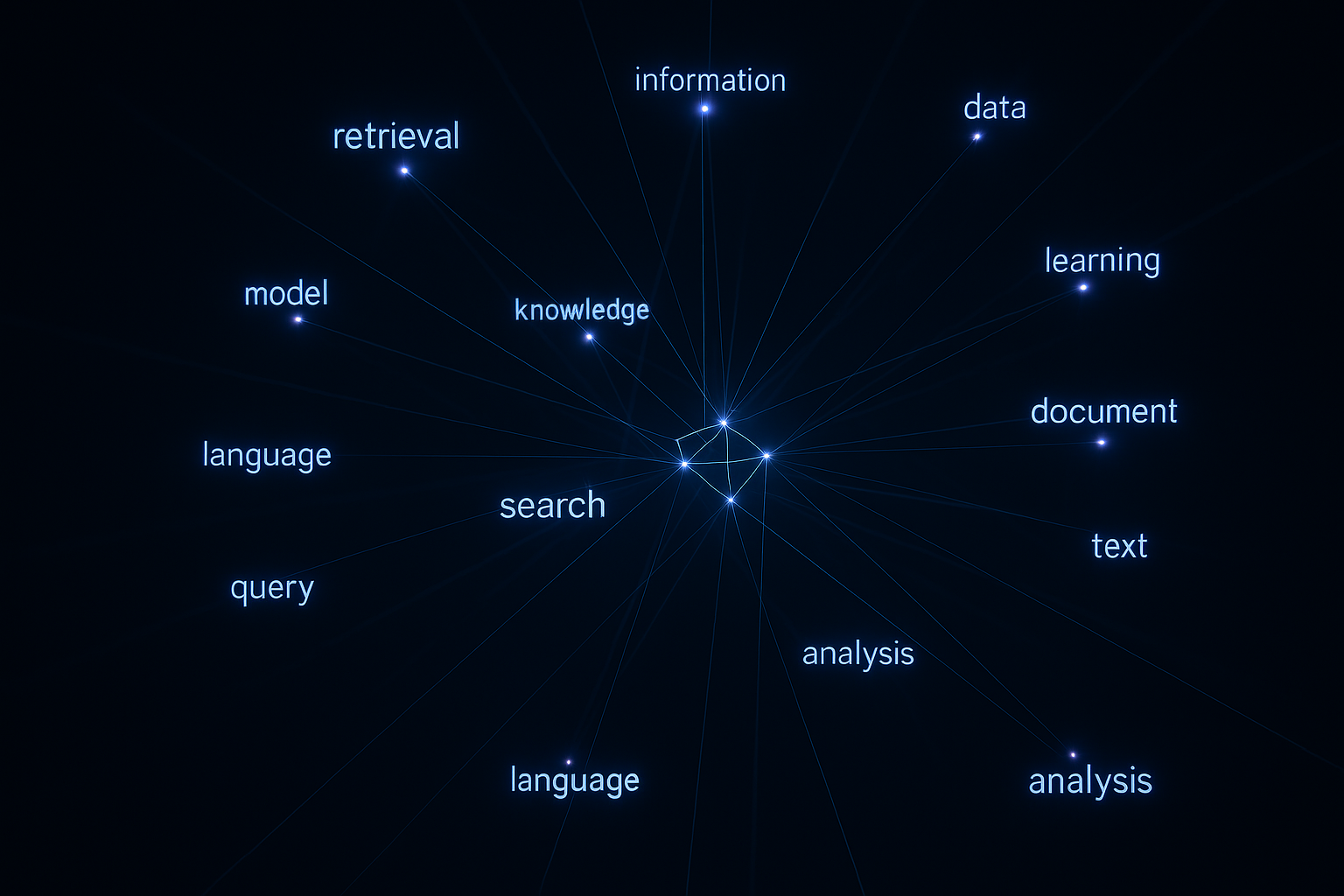
An embedding is a list of numbers — typically 768 to 3072 floats — that represents the meaning of a piece of text. Two sentences that mean the same thing will have embeddings that are mathematically close together, even if they share zero words.
Semantic search works by converting both your documents and your query into these vectors, then finding the documents whose vectors are closest to the query vector. "Closest" usually means cosine similarity — how much two vectors point in the same direction.
Here's why this matters in practice: a user searching for "I can't log in" will match documents about "authentication failure" and "password reset" — not because the words overlap, but because the meaning is encoded in the same region of vector space. That's a fundamentally different capability from BM25 or TF-IDF.
The Stack We're Using
To keep this under 100 lines and dependency-light, we'll use:
- OpenAI's text-embedding-3-small — cheap, fast, and 1536 dimensions. About $0.02 per million tokens.
- NumPy — for cosine similarity math. No vector DB needed for small datasets.
- A plain Python list — our in-memory "index" for this demo.
If you're building production scale, swap the in-memory list for a proper vector database in your RAG pipeline. For learning and prototyping, this approach is perfect.
Step 1: Set Up and Embed Your Documents
Install dependencies first:
pip install openai numpyNow the core embedding logic. This function takes any string and returns its vector representation:
import openai
import numpy as np
import os

client = openai.OpenAI(api_key=os.environ["OPENAI_API_KEY"])

def embed(text: str) -> list[float]:
    response = client.embeddings.create(
        model="text-embedding-3-small",
        input=text
    )
    return response.data[0].embedding
That's the whole embedding step. One API call, one vector back. Now let's build an index from a set of documents:
documents = [
    "How to reset your account password",
    "Setting up two-factor authentication",
    "Billing and invoice management guide",
    "How to cancel your subscription",
    "Troubleshooting login errors and access issues",
    "Upgrading your plan to enterprise tier",
    "Connecting third-party integrations via OAuth",
    "Data export and GDPR compliance options",
    "How to invite team members and manage roles",
    "API rate limits and authentication tokens",
]

# Build the index
index = []
for doc in documents:
    vector = embed(doc)
    index.append({"text": doc, "vector": np.array(vector)})

print(f"Indexed {len(index)} documents")
Each document is now stored alongside its embedding. In a real system, you'd persist this to disk or a vector DB — but conceptually, this is it.
Step 2: The Search Function
Here's where semantic search actually happens. We embed the query, then compute cosine similarity against every document vector:
def cosine_similarity(a: np.ndarray, b: np.ndarray) -> float:
    return np.dot(a, b) / (np.linalg.norm(a) * np.linalg.norm(b))

def search(query: str, top_k: int = 3) -> list[dict]:
    query_vector = np.array(embed(query))

    results = []
    for item in index:
        score = cosine_similarity(query_vector, item["vector"])
        results.append({"text": item["text"], "score": score})

    # Sort by score descending, return top k
    results.sort(key=lambda x: x["score"], reverse=True)
    return results[:top_k]
Cosine similarity returns a value between -1 and 1. In practice with well-behaved text embeddings, you'll see scores between 0.3 (loosely related) and 0.95+ (nearly identical meaning). Anything above 0.75 is typically a strong match.
Step 3: Run It
Let's test with queries that have zero keyword overlap with the documents:
queries = [
    "I forgot my password",
    "remove my credit card",
    "can't get into my account",
    "give someone else access",
]

for q in queries:
    print(f"\
Query: '{q}'")
    results = search(q, top_k=2)
    for r in results:
        print(f"  [{r['score']:.3f}] {r['text']}")
Expected output will look something like this:
Query: 'I forgot my password'
  [0.891] How to reset your account password
  [0.743] Troubleshooting login errors and access issues

Query: 'remove my credit card'
  [0.812] How to cancel your subscription
  [0.771] Billing and invoice management guide

Query: 'can't get into my account'
  [0.874] Troubleshooting login errors and access issues
  [0.821] How to reset your account password

Query: 'give someone else access'
  [0.856] How to invite team members and manage roles
  [0.743] Setting up two-factor authentication
"I forgot my password" correctly surfaces the password reset doc, not because it matched the word "password" (well, it did here), but because the meaning aligns. More impressively, "give someone else access" correctly surfaces the team invites document despite zero word overlap.
The Full Script (Counting Lines)
Combining everything above into a clean file:
import openai
import numpy as np
import os

client = openai.OpenAI(api_key=os.environ["OPENAI_API_KEY"])

def embed(text):
    return client.embeddings.create(
        model="text-embedding-3-small",
        input=text
    ).data[0].embedding

def cosine_similarity(a, b):
    return np.dot(a, b) / (np.linalg.norm(a) * np.linalg.norm(b))

documents = [
    "How to reset your account password",
    "Setting up two-factor authentication",
    "Billing and invoice management guide",
    "How to cancel your subscription",
    "Troubleshooting login errors and access issues",
    "Upgrading your plan to enterprise tier",
    "Connecting third-party integrations via OAuth",
    "Data export and GDPR compliance options",
    "How to invite team members and manage roles",
    "API rate limits and authentication tokens",
]

index = [{"text": d, "vector": np.array(embed(d))} for d in documents]

def search(query, top_k=3):
    qv = np.array(embed(query))
    scored = [{"text": i["text"], "score": cosine_similarity(qv, i["vector"])}
              for i in index]
    return sorted(scored, key=lambda x: x["score"], reverse=True)[:top_k]

if __name__ == "__main__":
    test_queries = [
        "I forgot my password",
        "remove my credit card",
        "can't get into my account",
    ]
    for q in test_queries:
        print(f"\
Query: '{q}'")
        for r in search(q):
            print(f"  [{r['score']:.3f}] {r['text']}")
That's 42 lines. Half your budget, and it actually works.
Where to Take This Next
Add Persistence
The in-memory index dies when your process exits. For real use, serialize your vectors:
# Save
np.save("vectors.npy", np.array([i["vector"] for i in index]))
with open("docs.txt", "w") as f:
    f.write("\
".join(documents))

# Load
vectors = np.load("vectors.npy")
with open("docs.txt") as f:
    docs = f.read().splitlines()
index = [{"text": d, "vector": v} for d, v in zip(docs, vectors)]
Scale With a Real Vector Database
At 10,000+ documents, linear cosine similarity scans get slow. That's when you need approximate nearest neighbor (ANN) search. Options in order of setup complexity:
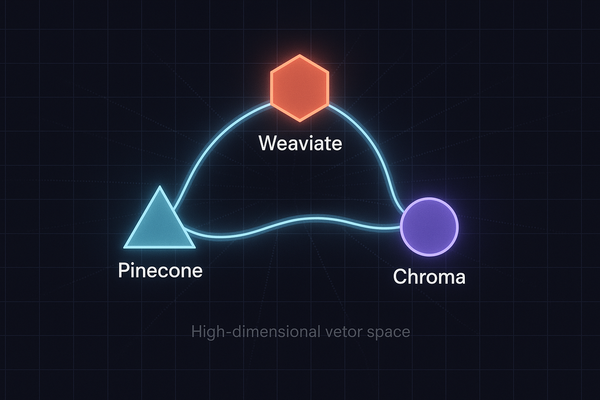
- Chroma — local, zero infrastructure, great for apps up to ~100k docs
- Qdrant — self-hosted or cloud, excellent performance and filtering
- Pinecone — fully managed, serverless tier available
- pgvector — if you're already on Postgres, this is the pragmatic choice
This pattern — embed, store, query — is exactly what powers production RAG systems. The difference is mostly scale and retrieval sophistication, not fundamentals.
Embed Longer Documents
OpenAI's text-embedding-3-small has an 8191 token context window — plenty for most documents. But for very long content, chunk first. A 50-page PDF becomes 200 overlapping 300-token chunks, each with its own embedding. When a query matches chunk 147, you surface the parent document. This is called chunking strategy, and it matters enormously for retrieval quality in production RAG architectures.
Hybrid Search
Pure semantic search isn't always the right tool. For exact terms — product SKUs, error codes, names — keyword search wins. The modern pattern is hybrid: run BM25 keyword search in parallel with semantic search, then merge results using Reciprocal Rank Fusion (RRF). Both Qdrant and Elasticsearch support this natively. It gives you meaning-aware retrieval for natural language queries and precise matching for technical terms.
Real-World Applications
Before you file this away as an academic exercise, here's where I've seen this pattern ship value immediately:
- Internal knowledge bases — employees asking natural questions and getting the right policy doc, not a keyword mismatch
- Customer support deflection — surface the right help article before the user opens a ticket, using their exact words
- Code search — find functions by describing what they do, not remembering their names
- Product search — "something to wear to a beach wedding" matches the right category without tagging every product manually
- Duplicate detection — find semantically duplicate support tickets, bug reports, or customer feedback, even if worded completely differently
This is also the retrieval layer inside autonomous AI agents — when an agent needs to look something up from a knowledge base before responding, it's using exactly this mechanism. The agent embeds its question and pulls the most relevant context. Simple, reliable, and surprisingly powerful once you see it in action.
What You Should Do Right Now
Run the script against something you actually care about. Replace the 10 demo documents with your own content — a FAQ, your product docs, a set of internal procedures. Watch it surface the right result for a query phrased in a way no keyword search would have caught. That moment is when it clicks.
Then ask yourself: where in your current product or workflow is someone searching for something and not finding it? That's your first deployment target. The infrastructure cost for this at small scale is essentially zero — the OpenAI embedding API for 10,000 documents costs around $0.002. There's no good reason to ship keyword-only search in 2025.