You've heard the pitch: RAG fixes hallucinations, lets your LLM answer questions about your private data, and makes your AI product actually trustworthy. What nobody tells you is how many ways you can quietly build it wrong — chunking that destroys context, retrieval that returns noise, prompts that ignore what you fetched.
This guide skips the theory slideshow. We're building a working RAG system from scratch using LangChain and OpenAI, and I'll flag the traps at each step so you don't have to learn them the expensive way.
What RAG Actually Does (In One Paragraph)
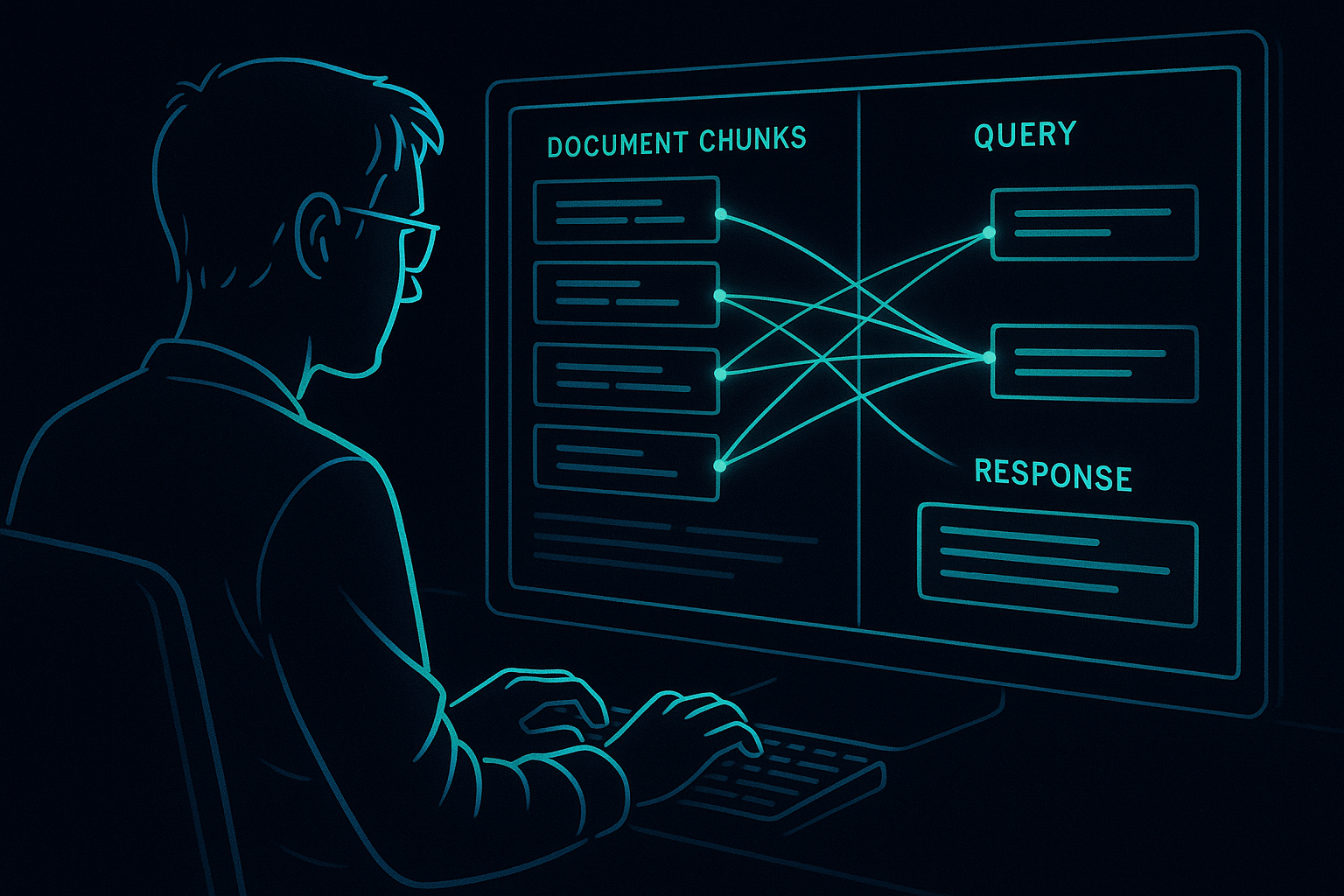
Retrieval-Augmented Generation means you intercept the user's question, find relevant chunks of text from your own data store, stuff those chunks into the prompt as context, and let the LLM generate an answer grounded in what you retrieved. The LLM stops guessing and starts reading. That's the whole idea. Now let's build it.
Prerequisites and Setup
You need Python 3.10+, an OpenAI API key, and the following packages:
pip install langchain langchain-openai langchain-community \
    chromadb tiktoken pypdf python-dotenv
Create a .env file:
OPENAI_API_KEY=sk-...We'll use ChromaDB as our local vector store. No Docker, no cloud setup, no excuses for not running this today.
Step 1: Load Your Documents
RAG lives or dies by data quality. Garbage in, garbage out — but specifically, poorly structured documents produce chunks that lose all meaning when separated from their surroundings.
from langchain_community.document_loaders import PyPDFLoader, TextLoader
from langchain.schema import Document

# Load a PDF
loader = PyPDFLoader("your_document.pdf")
raw_docs = loader.load()

print(f"Loaded {len(raw_docs)} pages")
print(raw_docs[0].page_content[:500])
For plain text or markdown files, swap in TextLoader. LangChain has loaders for web pages, Notion, Confluence, S3 — the pattern is identical. Load once, chunk carefully.
Step 2: Chunk It Right
Chunking is where most tutorials wave their hands and say "use RecursiveCharacterTextSplitter." That's actually correct advice, but you need to understand why the parameters matter.
from langchain.text_splitter import RecursiveCharacterTextSplitter

splitter = RecursiveCharacterTextSplitter(
    chunk_size=800,       # characters per chunk
    chunk_overlap=150,    # overlap prevents context cutoff at boundaries
    length_function=len,
    separators=["\
\
", "\
", ". ", " ", ""]  # tries these in order
)

chunks = splitter.split_documents(raw_docs)
print(f"Split into {len(chunks)} chunks")
chunk_size of 800 is a solid default. Too small and you lose context; too large and you waste token budget on irrelevant surrounding text. chunk_overlap of 150 means sentences that straddle a boundary appear in both chunks — this catches answers that live at the seam.
Pro tip: if your docs have clear section headers, consider splitting by header first, then by character. The MarkdownHeaderTextSplitter is excellent for structured content.
Step 3: Embed and Store
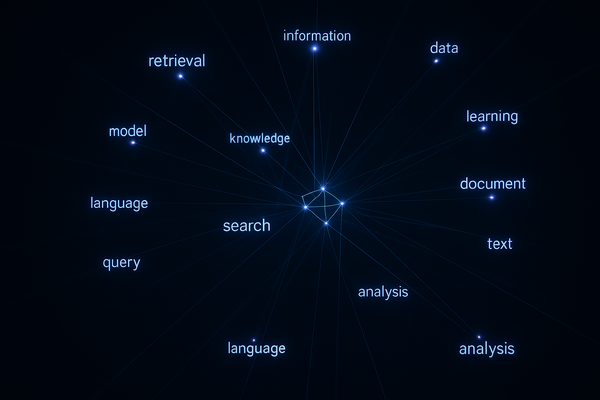
Every chunk gets converted to a vector — a list of numbers that captures its semantic meaning. Similar chunks cluster together in this high-dimensional space, which is what makes retrieval work.
from langchain_openai import OpenAIEmbeddings
from langchain_community.vectorstores import Chroma
import os
from dotenv import load_dotenv

load_dotenv()

embeddings = OpenAIEmbeddings(model="text-embedding-3-small")

# Build the vector store from chunks
vectorstore = Chroma.from_documents(
    documents=chunks,
    embedding=embeddings,
    persist_directory="./chroma_db"
)

print(f"Stored {vectorstore._collection.count()} vectors")
text-embedding-3-small gives you strong quality at a fraction of the cost of the large model. For most production RAG systems, it's the right default. We've covered cost optimization strategies in detail — see our guide on reducing OpenAI API costs without sacrificing quality.
The persist_directory saves your vectors to disk. Next time you run the script, load instead of rebuild:
# Reload existing store — don't re-embed every run
vectorstore = Chroma(
    persist_directory="./chroma_db",
    embedding_function=embeddings
)
Step 4: Build the Retriever
The retriever is the bridge between the user's question and your stored chunks. By default it uses cosine similarity — the question's embedding is compared against every chunk embedding, and the top-k closest chunks are returned.
retriever = vectorstore.as_retriever(
    search_type="mmr",          # Maximum Marginal Relevance
    search_kwargs={
        "k": 5,                 # return 5 chunks
        "fetch_k": 20,          # consider 20 candidates first
        "lambda_mult": 0.7      # balance relevance vs diversity
    }
)
MMR (Maximum Marginal Relevance) is better than plain similarity search for most use cases. It penalizes redundancy — if chunks 1 and 2 are nearly identical, MMR will reach for chunk 3 instead of returning duplicates. That lambda value of 0.7 leans toward relevance; lower it toward 0.3 if you want more diverse results.
Test your retriever before wiring it to the LLM:
test_docs = retriever.get_relevant_documents("What is the refund policy?")
for doc in test_docs:
    print("---")
    print(doc.page_content[:300])
If the chunks look wrong here, no prompt engineering will save your answers downstream. Fix retrieval first.
Step 5: Wire the Chain
Now we connect retrieval to generation. LangChain's LCEL (LangChain Expression Language) makes this composable and readable:
from langchain_openai import ChatOpenAI
from langchain.prompts import ChatPromptTemplate
from langchain.schema.runnable import RunnablePassthrough
from langchain.schema.output_parser import StrOutputParser

llm = ChatOpenAI(model="gpt-4o-mini", temperature=0)

prompt_template = ChatPromptTemplate.from_template("""
You are a helpful assistant. Answer the question based ONLY on the
following context. If the answer is not in the context, say
"I don't have enough information to answer that."

Context:
{context}

Question: {question}

Answer:"""
)

def format_docs(docs):
    return "\
\
".join(doc.page_content for doc in docs)

rag_chain = (
    {
        "context": retriever | format_docs,
        "question": RunnablePassthrough()
    }
    | prompt_template
    | llm
    | StrOutputParser()
)

# Run it
response = rag_chain.invoke("What is the refund policy?")
print(response)
Notice the explicit instruction: answer from context only, say "I don't know" if it's not there. This is critical. Without it, the LLM will blend retrieved context with its training data and you're back to hallucinations with extra steps.
We use temperature=0 for factual retrieval tasks. You want determinism here, not creativity. For more on building agentic systems on top of this kind of foundation, the LangGraph vs LangChain comparison is worth reading before you scale up.
Step 6: Add Streaming (Optional but Recommended)
For any user-facing interface, streaming makes the experience feel dramatically more responsive:
for chunk in rag_chain.stream("What are the payment options?"):
    print(chunk, end="", flush=True)
print()  # newline when done
One line change — LCEL handles the rest. We've written a full deep-dive on this pattern in our guide to streaming LLM responses for real-time AI apps.
Step 7: Add Source Attribution
Good RAG systems tell you where the answer came from. This builds trust and makes debugging infinitely easier:
from langchain.schema.runnable import RunnableParallel

rag_chain_with_sources = RunnableParallel(
    {"context": retriever, "question": RunnablePassthrough()}
).assign(
    answer=(
        lambda x: prompt_template.format(
            context=format_docs(x["context"]),
            question=x["question"]
        )
    )
    | llm
    | StrOutputParser()
)

result = rag_chain_with_sources.invoke("What is the return window?")
print(result["answer"])
print("\
Sources:")
for doc in result["context"]:
    print(f"  - {doc.metadata.get('source', 'unknown')}, page {doc.metadata.get('page', '?')}")
The Failure Modes Nobody Warns You About
Retrieval looks good, answers are still wrong
The right chunk was retrieved but the LLM ignored it in favor of its training data. Add explicit instructions like "your answer must be based solely on the provided context" and reduce temperature to 0.
Questions span multiple chunks
If the answer requires synthesizing information from three different sections, retrieving 5 chunks might not be enough. Increase k, or consider a multi-step retrieval approach using semantic search to pre-filter candidates.
Your chunks have no metadata
When debugging, you won't know which document or section a chunk came from. Always preserve metadata through the loading and splitting pipeline — LangChain propagates it automatically if you don't strip it.
You're re-embedding on every run
Embed once, persist to disk, load from disk. Running Chroma.from_documents() every time is burning money and time. The reload pattern shown above takes milliseconds vs minutes.
Production Checklist
- Chunk overlap set to ~15-20% of chunk size — prevents answer loss at boundaries
- MMR retrieval enabled — reduces redundant chunks in context
- Metadata preserved and indexed — essential for filtering and attribution
- Explicit "don't hallucinate" prompt instruction — every time, no exceptions
- Retrieval tested independently before connecting to LLM
- Vectors persisted to disk — never re-embed in production on startup
- Model set to temperature=0 for factual Q&A tasks
For teams running this in production environments, the patterns in our LLM production deployment guide apply directly here — especially around error handling and rate limit management.
What to Build Next
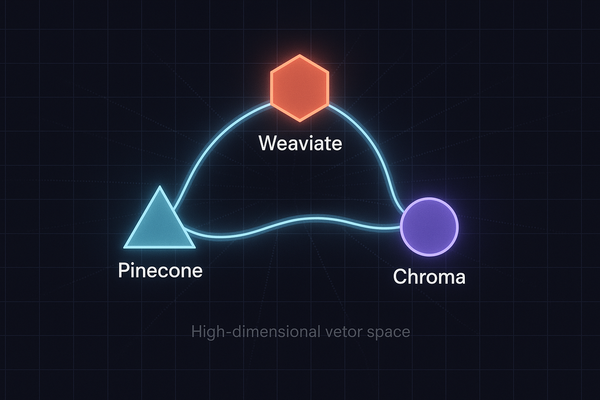
This is a solid foundation. The natural next steps are adding a chat history layer for multi-turn conversations (LangChain's ConversationalRetrievalChain handles this), implementing metadata filtering to scope retrieval to specific document types, and swapping ChromaDB for Pinecone or pgvector when you need to scale beyond a single machine.
The architecture doesn't change. The retriever abstraction stays identical — you're just pointing it at a different backend. That's the value of building on LangChain's interfaces rather than calling APIs directly.
Build the simple version first. Get it answering questions correctly. Then optimize. Most production RAG problems are retrieval problems, not model problems — so invest your debugging time there first.